There’s a big difference between embedding a YouTube video and importing it as a custom post type in WordPress. One is a temporary window to YouTube; the other is a permanent, indexable page you own. If you’re building a video library, the post type matters more than you’d think — it shapes your SEO, your site structure, and what you can actually do with the content.
What a “custom post type” actually buys you
A dedicated “video” custom post type (CPT) gives each imported video its own single page, its own archive, its own permalink slug, and a place in your taxonomies. That means real URLs search engines can crawl, comments your audience can leave, and a structure you can browse and filter — none of which a bare embed provides. An embed is just a player dropped into someone else’s page; a CPT is a first-class piece of content on your domain. See how that compares to embed-only plugins.
Better SEO: every video becomes a page that can rank
This is the biggest reason to import rather than embed. When a video is a real post, it gets a unique, crawlable URL with its own title, description and body text — the on-page signals Google needs to understand and rank it. Each page can carry schema.org VideoObject microdata, works with Yoast Video SEO, and is included in your XML sitemap and RSS feed, so search engines discover every video automatically.
Because the content lives on your domain, the traffic, the rankings and the next click stay with you instead of being handed to YouTube. You can target long-tail search terms in each video’s title and description, earn video rich-result thumbnails in the SERPs, and build internal links between related videos — compounding authority across your whole library. Read more on video SEO done right.
A cleaner site structure
A custom post type keeps your video content organised as it scales from a handful of clips to hundreds or thousands. Videos get their own archive page, separate from your blog, plus categories, tags and custom taxonomies you can use to group and filter them — by topic, series, season or guest. Clean permalinks make every video shareable and memorable, and you can add the video archive straight into your navigation menu.
That structure powers browsable, paginated playlist layouts, “related videos” sections, and taxonomy-driven pages that are great for both visitors and search engines. Your blog stays a blog, your videos stay a tidy, self-contained library — and the two can still cross-link wherever it helps.
Ways to use a video CPT on your site
- Mirror your channel — give every YouTube upload a home on a site you own, so you rank and monetise on your own terms.
- Course & membership libraries — organise lessons into taxonomies and themed, paginated playlists members can browse.
- News & niche publishing — auto-curate topical video by keyword or channel and keep a section fresh on autopilot.
- Product, tutorial & support videos — attach how-tos to a knowledge base or product pages with their own searchable URLs.
- Podcast or episode archives — turn each episode into an indexable page with show notes and schema.
Explore more scenarios on the use cases page.
Posts or a video CPT — your choice
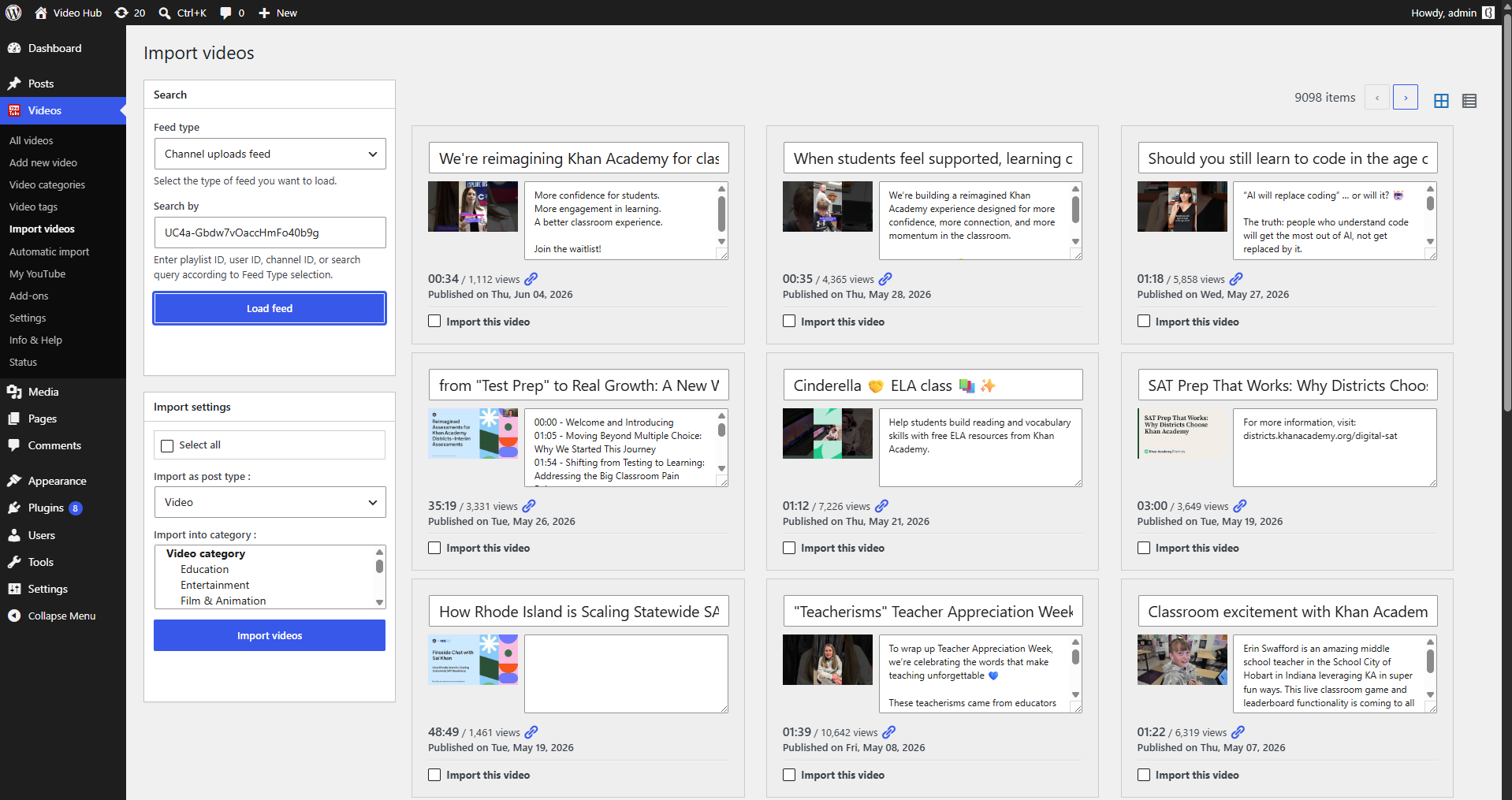
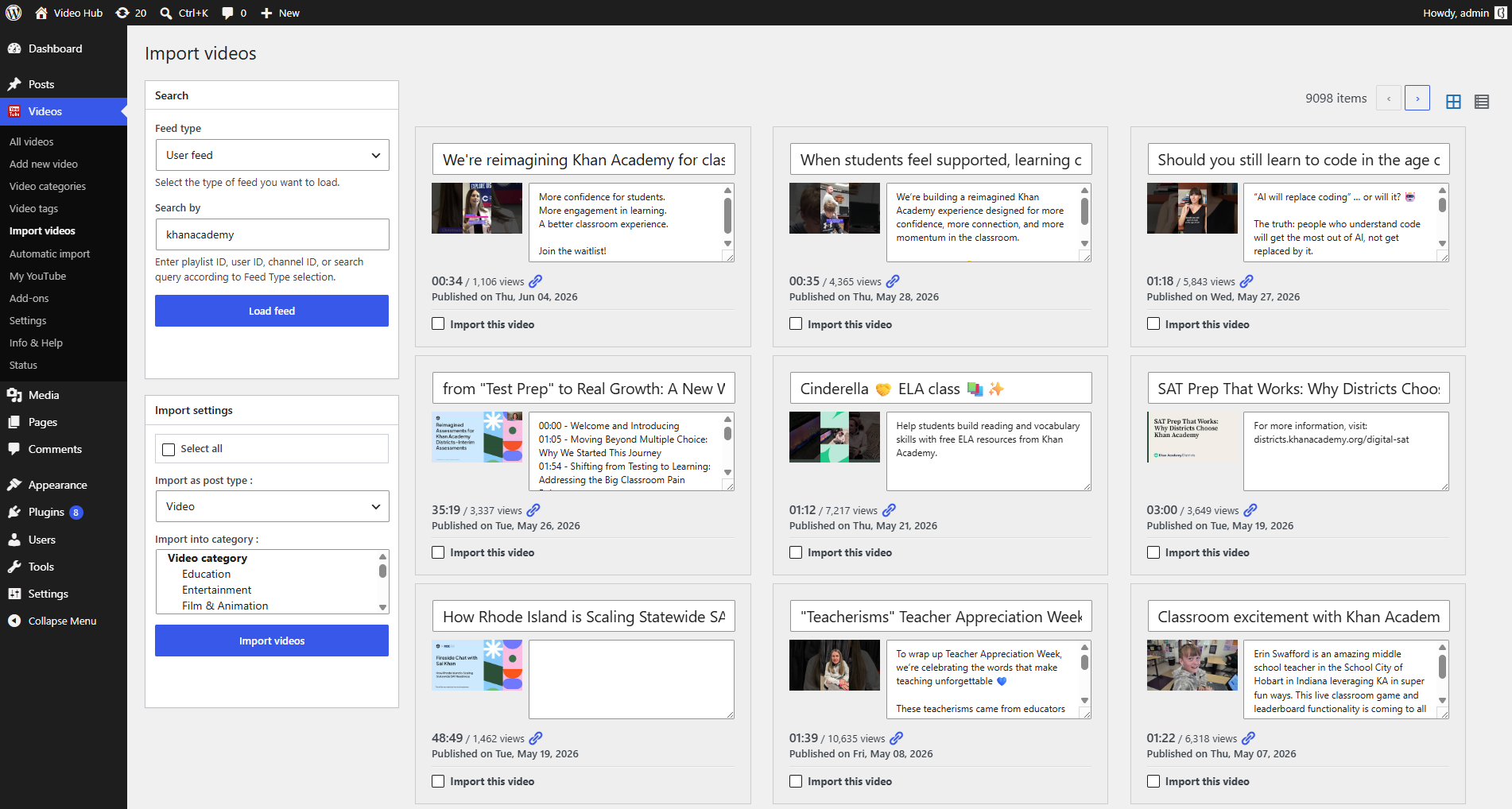
Video Hub can import videos as regular posts (so they flow into your blog, categories and homepage) or as a separate “video” custom post type with its own archive and single pages. You pick the model that fits your site — and you can combine both. See the publishing options.
Build a real video library
Import YouTube as content you own. 30-day money-back guarantee.