
Themes & demos
Six playlist themes, switchable and responsive
Show your videos in a layout that fits the page — from a tidy list to a dark Cinema view. Each playlist picks its own theme, you can switch any time, and all six adapt to any screen. Themes are part of the full Video Hub toolkit.
The six themes
Pick the layout that fits the page
Same videos, six ways to show them. Click any preview to see it full size.
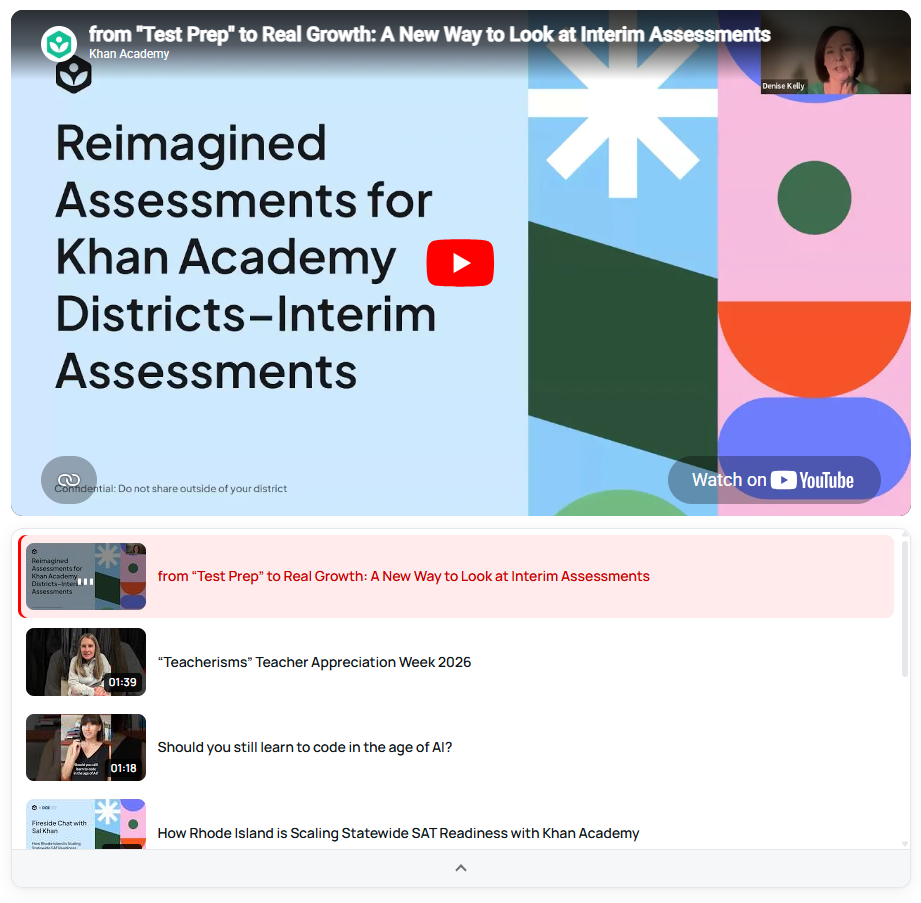
01 · Player + list
Default
A large player on top and a scrolling list of thumbnails underneath, with the video that’s playing highlighted.
Best for Channel and topic pages where one video leads.

02 · Stacked videos
Listy
Every video gets its own player, stacked one under another with its date and title above it.
Best for Episodes, lessons and news-style video feeds.
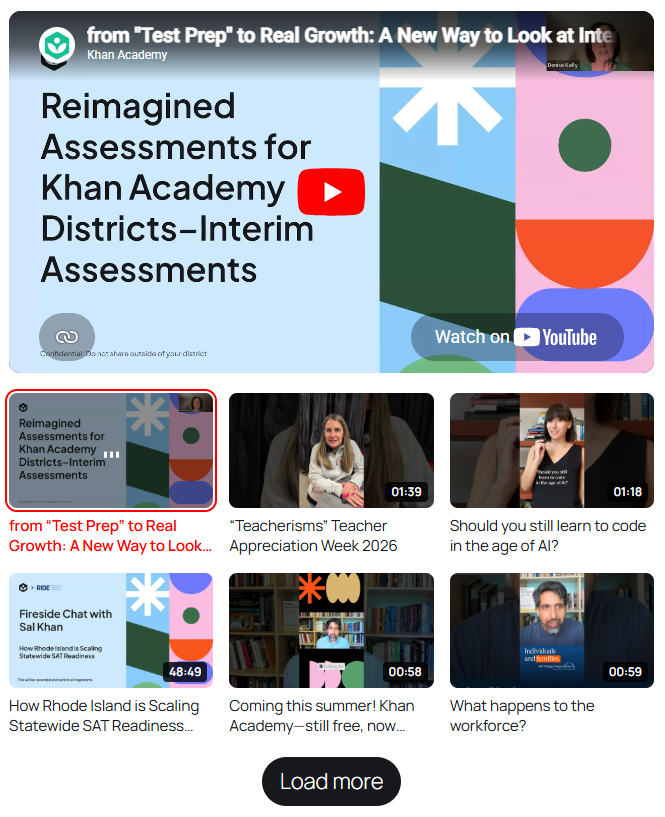
03 · Player + thumbnail grid
Simple
A big player above a grid of thumbnails with their durations, plus a “Load more” button for longer playlists.
Best for Courses, series and tutorial collections.
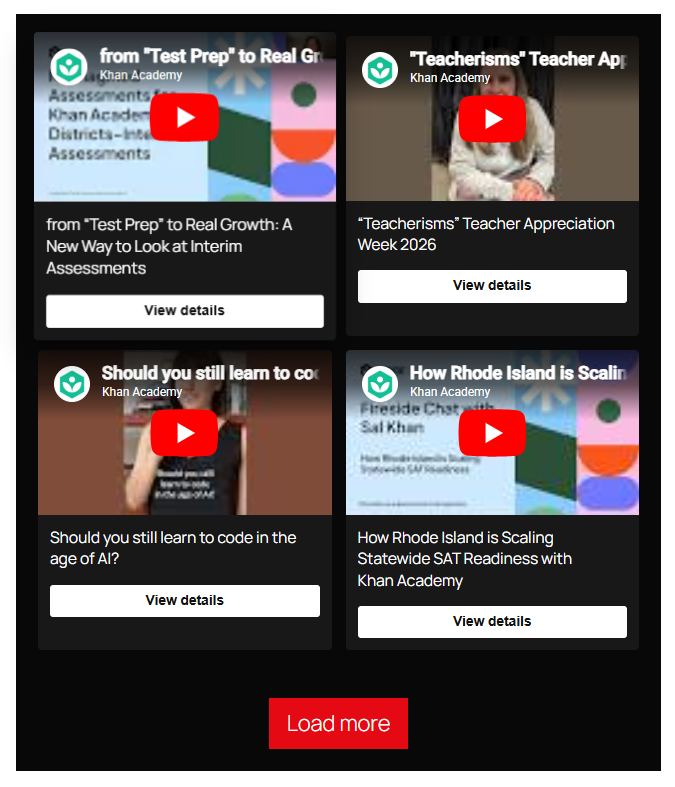
04 · Card gallery
Grid
Video cards in a responsive grid, each with its title and a “View details” button that opens the video’s own page.
Best for Large libraries, galleries and product videos.
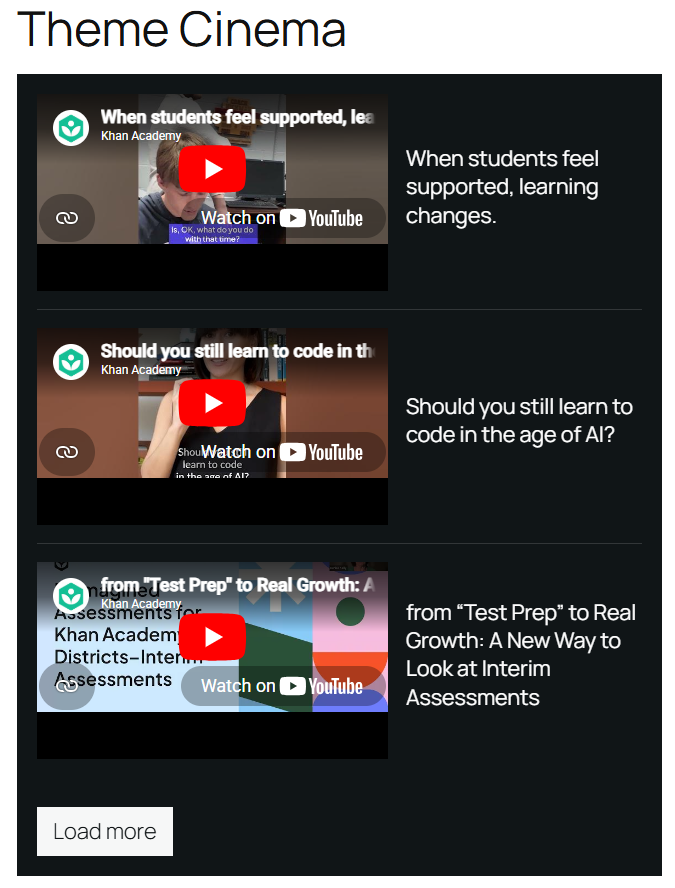
05 · Dark, side by side
Cinema
A dark layout that sets each player next to a large title, row after row — the most dramatic of the six.
Best for Showreels, films and portfolio pages.
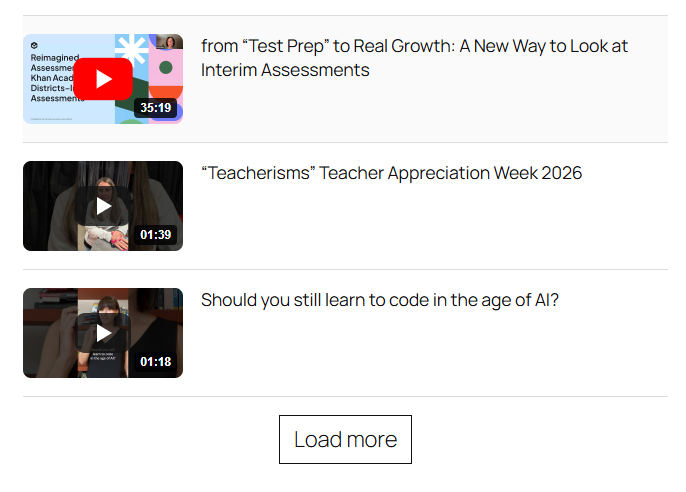
06 · Compact list
Minimal
Small thumbnails with their durations next to the titles — the lightest way to list videos on a page.
Best for Pages where the videos support the text.
Want to click around? See the themes on the live demo site →
FAQ
Questions about playlist themes
Can I use different themes on different pages?
Yes. The theme is a setting of each playlist, so a course page can use Simple while your homepage shows a Grid. Change it any time — the videos and their posts stay exactly as they are.
Where do the videos in a playlist come from?
From the videos you’ve imported with Video Hub: a whole video category, or posts you pick one by one. Because each video is a real post, it also has its own page your visitors can open. See how to build a YouTube playlist gallery in WordPress.
Do Shorts look right in a playlist?
Yes. Video Hub detects each video’s proportions on import and playlists play every video with its own aspect ratio, so vertical Shorts play vertical instead of in a letterboxed 16:9 frame.
Can I try the themes before buying?
Yes — the live demo shows the playlist themes on a real WordPress site. And every plan comes with a 30-day money-back guarantee.
Show your videos the way they deserve
All six themes are included in every plan, from $49/year for one site — with updates and support while your license is active.